GRVT: Advanced Tools for Smarter Trading
Take your trading experience to the next level with cutting-edge tools tailored for every trader.

Get ready for the next level of trading, designed for both beginner and serious traders. Access real-time market data through interactive charts, detailed order books, and live trade history, enhanced with TradingView functionality.
Overview
GRVT utilizes TradingView technology to display price charts. TradingView is an advanced platform created for traders and investors, offering support through web browsers, desktop software, and mobile applications. The platform provides users with real-time data, including Dow Futures, BTC USD Chart, ETH USD Chart, the latest financial news, comprehensive financial reports, and a range of useful tools, including the economic data calendar and screeners.
Key Features
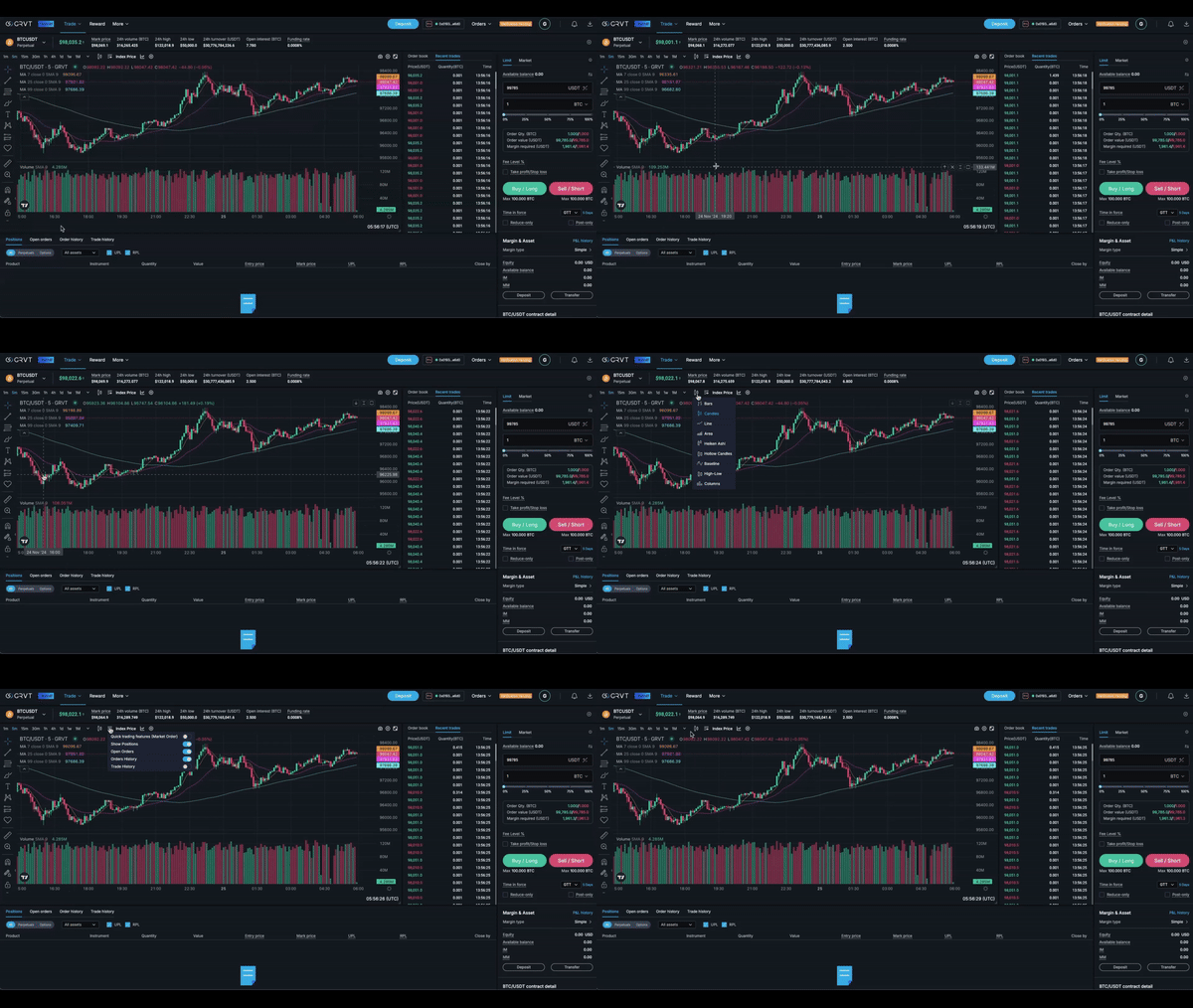
- Depth Chart: Visualize the order book with a clear view of bid and ask levels, plus cumulative size over price ranges.
- Order Book: See open orders in a ladder format for precise market insight.
- Order Panel: Quickly place buy or sell orders directly on the order book.
- Open Orders: Track all unfilled, canceled, or expired orders and review your complete history at the click of a button.
- Price Chart: Analyze historical pricing with custom time ranges, chart types, and over 100 indicators for deeper insights.
Advanced Charting with TradingView
GRVT brings you TradingView's powerful tools, including:
- Custom drawing tools
- 104 indicators like RSI, EMA, SMA, and MACD to analyze trends
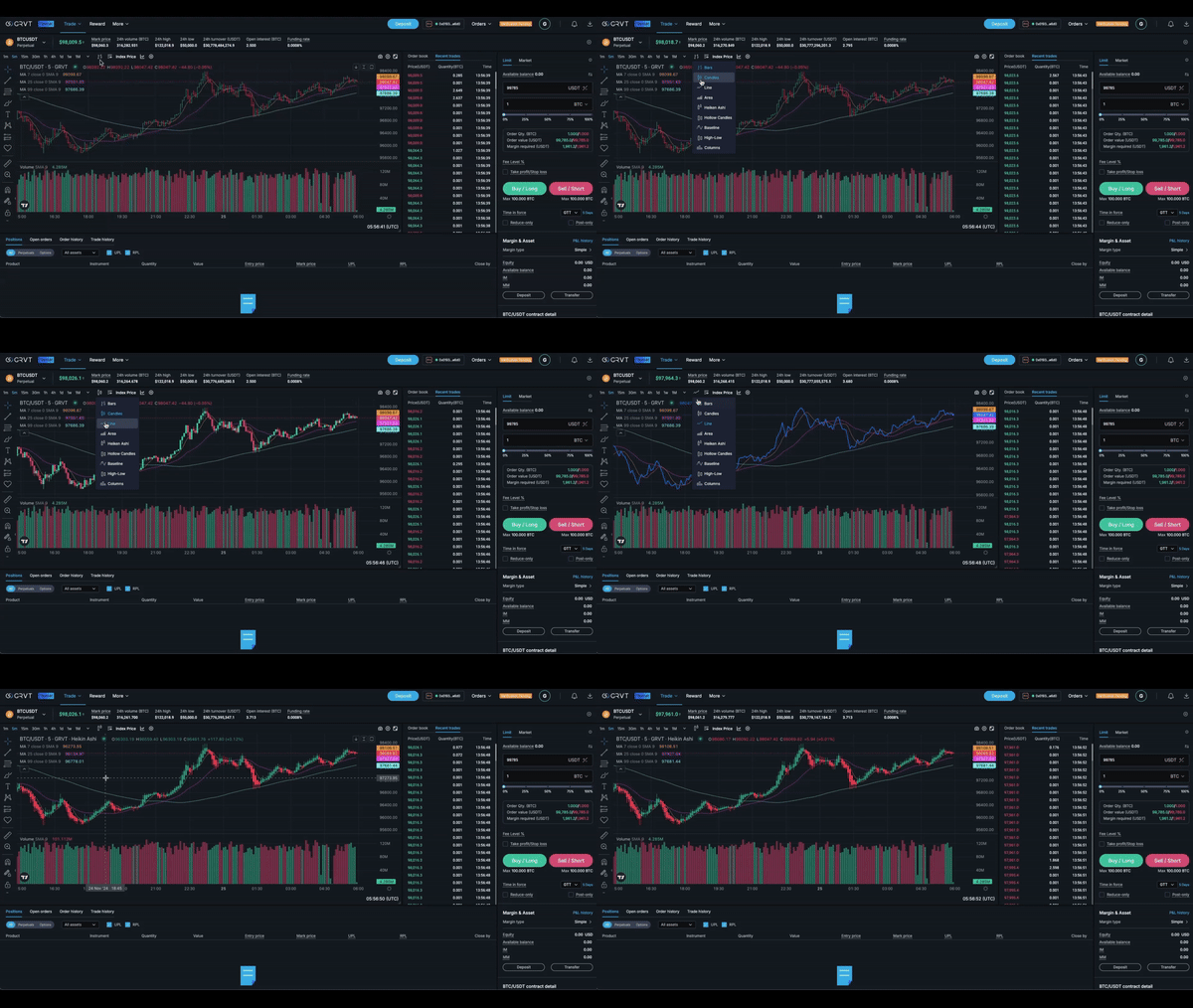
- Multiple chart types such as candlesticks and line charts
Time Range
View an asset’s price history and trading volume over a specific time frame.
- The y-axis (vertical line) represents the asset's high and low prices during a selected time interval, adjustable via the dropdown in the upper-left corner of the price chart.
- The x-axis (horizontal line) shows trading volume over a specific date range, which can be modified using the controls in the bottom-left corner of the chart.
Chart Types
The candlestick chart provides a detailed view of an asset’s price movement within a specific time frame, including:
- O (Open): The price at the start of the time period.
- H (High): The highest price reached during the time period.
- L (Low): The lowest price during the time period.
- C (Close): The price at the end of the time period.
Seamless & Efficient Trading
Your preferences, like order type, time in force, and execution settings, stick across sessions for faster order placement. Chart layouts and configurations are saved for each market, keeping your setup consistent.