Test, Report, Earn: Grvt Bug Bounty for Web & PWA
Join the Grvt UI/UX Bug Bounty Program and get rewarded for testing our website and PWA. Report bugs, improve the trading experience, and earn USDT rewards.
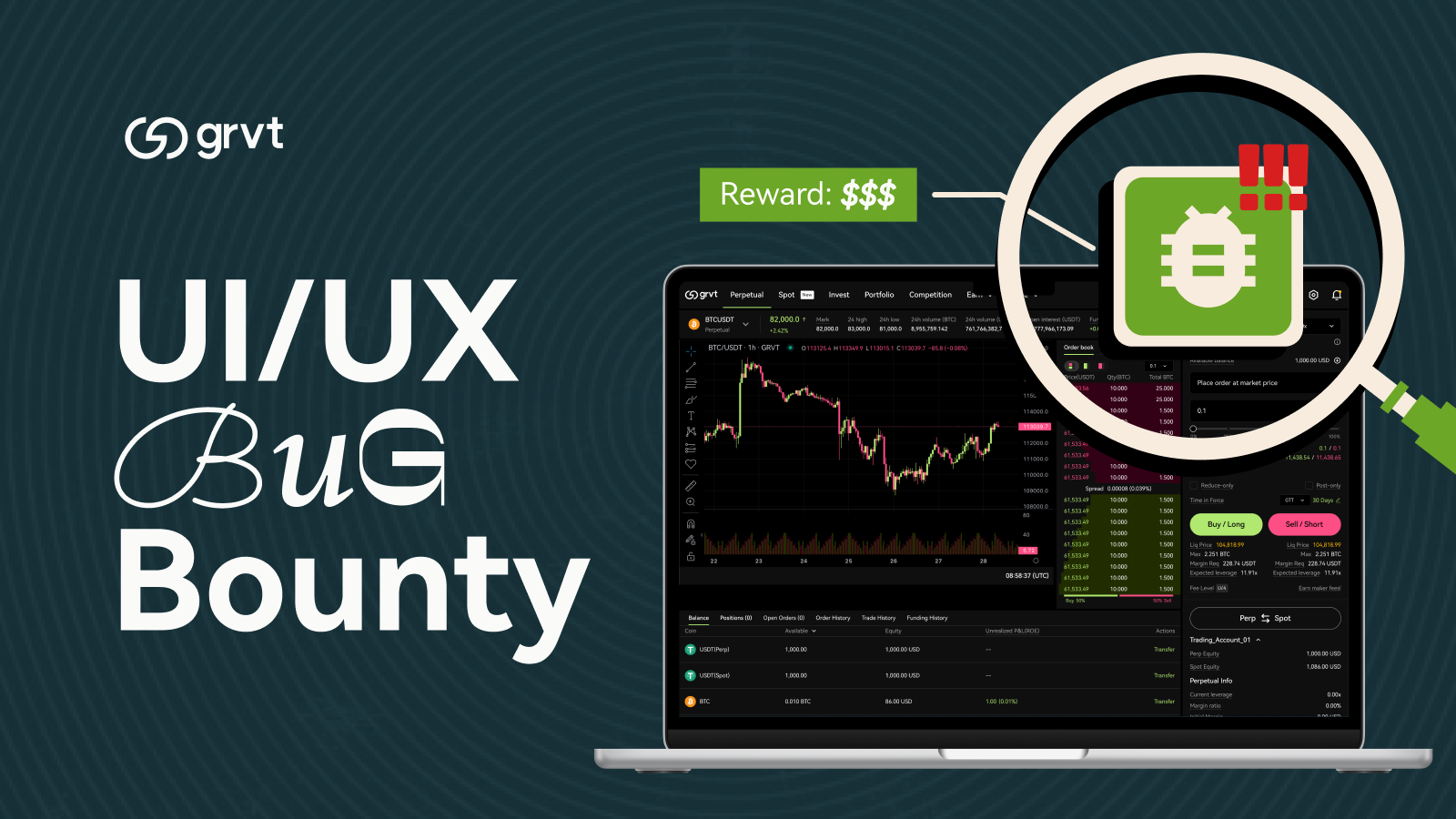
We’re excited to introduce our new Bug Bounty Program for Grvt's website and PWA (Progressive Web App)! As we continue to upgrade the platform, we’re inviting the community to help us improve it through a UI/UX bug bounty. Test the app, report bugs, and earn rewards!
This program runs from December 19 00:00 UTC to January 8 23:59 UTC.
Program Rewards
Payments will be paid out in USDT based on the severity of the vulnerability, based on the sole discretion of Grvt. Payment ranges for different levels of severity are as follows:
High Impact: $200 - $500
Examples: Website/PWA crash, unresponsive button, screen freeze
Medium Impact: $50 - $200
Examples: confusing navigation, broken layout, misaligned text
Low Impact: $10 - $50
Examples: typos, color mismatch, spacing/animation glitch
Bonus Rewards
- Top 3 Testers: $500 / $300 / $200 for the most valid reports or best feedback
- Raffles: 10 random app testers get 1,000 ZK tokens each
- Best Report Format: Clear steps + video/screenshots gets $50 bonus
How to Participate
- Login on Grvt website, or download the PWA on your mobile phone (see instructions below).
- Explore the platform: onboarding, trading flow, chart UI, settings, and more
- Record screenshots or short videos of any bugs
- Submit your report via the Grvt Bug Bounty Form
- Our team reviews submissions weekly and will distribute rewards after the campaign ends
Bug Report Guidelines
- Scope: Crashes, navigation issues, layout bugs, performance lags, design inconsistencies
- Excluded: Security issues, intentional abuse, or missing features
- Each valid submission is counted as 1 entry. Duplicate or spam entries will be ignored. Rewards will be announced on our channels
How to Download Grvt PWA on Your Mobile
iPhone (Safari)
- Open Safari (important: PWAs install best from Safari on iOS).
- Go to the Grvt website and log in.
- Tap the Share icon (square with an arrow up).
- Scroll and tap Add to Home Screen.
- Name it “Grvt” (or keep default) → tap Add.
- Open Grvt from your home screen like a normal app.
Android (Chrome)
- Open Chrome.
- Go to the Grvt website and log in.
- Tap the ⋮ menu (top right).
- Tap Install app or Add to Home screen.
- Confirm → Grvt will appear on your home screen/app drawer.
Help Build a Better Grvt Experience
Test the website and PWA app, share your feedback, and get rewarded for improving the platform.
- Explore website here: [grvt.io]
- Install Grvt PWA on mobile
- Submit: Grvt Bug Bounty Form
- Join the community: X | Discord | Telegram